Short-form video has become one of the most effective ways to reach audiences online. Platforms such as TikTok, Instagram Reels, YouTube Shorts, and Facebook Reels have changed how people consume content, making quick, visually engaging videos more valuable than ever. For many creators, however, recording fresh footage every day is difficult and time-consuming.
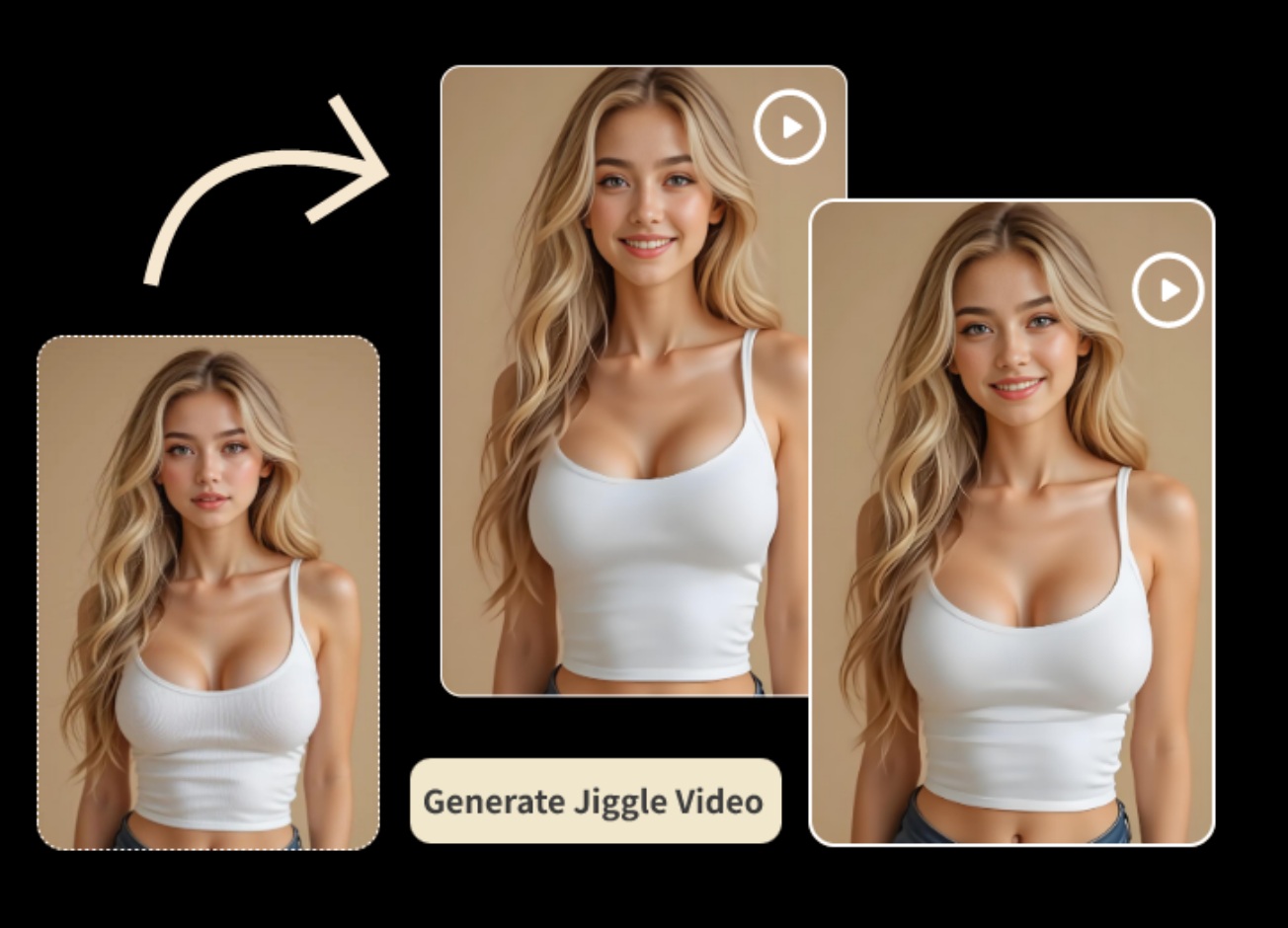
Artificial intelligence offers a practical alternative. An AI Video Generator from Image allows users to transform a single photo into a dynamic video with realistic motion, cinematic camera effects, and engaging animations. Instead of filming from scratch, creators can breathe new life into existing images and produce content that is ready to share in minutes.
With many AI platforms now offering image-to-video capabilities, choosing the right solution depends on understanding what makes a tool suitable for creating short videos that capture attention and encourage engagement.
Why Image-to-Video AI Is Growing So Quickly
The popularity of image-to-video technology has increased because it solves a common challenge: creating more content with fewer resources.
Many creators already have libraries of high-quality photos from previous projects, product shoots, travel experiences, or digital artwork. Instead of leaving those images unused, AI can convert them into moving content that feels fresh and engaging.
This approach reduces production time while allowing creators to publish consistently across multiple platforms. Whether you’re promoting a business, growing a personal brand, or building a social media channel, turning images into videos offers a faster way to keep audiences interested.
What Makes a Short Video More Engaging?
Successful short videos are not always the most complex ones. They usually capture attention immediately and keep viewers interested until the final frame. Smooth motion, natural camera movement, and clear visual focus often have a greater impact than excessive effects. A slow zoom toward a product, gentle movement in a landscape, or subtle animation in a portrait can make a static image feel alive without overwhelming the viewer.
An effective AI Video Generator from Image should enhance the original photo while preserving its overall quality and style. The goal is to support the story, not distract from it.
Choosing Images That Work Well
The quality of the source image plays a major role in the final video. Sharp, high-resolution photographs with good lighting generally produce better animations because the AI has more visual information to interpret. Images with a clear subject also make it easier for the software to generate realistic movement.
Travel photography, product images, portraits, architecture, food photography, and nature scenes are all excellent choices for image-to-video conversion. Before uploading a photo, consider whether it already attracts attention as a still image. If it does, it is likely to become an even stronger video.
Comparing AI Video Generators
Although many platforms provide similar services, their results often differ in quality and style. When comparing an AI Video Generator from Image, consider factors such as:
- Motion realism and smooth animation.
- Image quality after processing.
- Prompt accuracy and creative control.
- Rendering speed.
- Ease of use for beginners.
- Export options for different social platforms.
Rather than choosing a platform based only on popularity, testing the same image across multiple tools can provide a much clearer comparison.
Even small differences in motion quality can significantly influence the final viewing experience.
Prompt Writing Makes a Difference
Many AI platforms allow users to describe how they want an image to move. Simple prompts often work well, but more descriptive instructions usually produce stronger results. Explaining the desired camera movement, lighting, atmosphere, or environmental motion gives the AI more context to generate realistic animations.
For example, a travel image might benefit from slow camera movement with gently drifting clouds, while a product image may look more professional with a smooth rotating perspective and soft studio lighting. Experimenting with prompts is often one of the easiest ways to improve AI-generated videos.
Adapting Videos for Different Platforms
Each social media platform presents videos slightly differently. Vertical formats are ideal for TikTok, Instagram Reels, and YouTube Shorts, while landscape videos remain useful for websites and presentations.
Many AI platforms support multiple export sizes, making it easier to adapt the same animation for different audiences without creating separate projects. This flexibility allows creators to maximize the value of every generated video while maintaining consistent branding across channels.
Avoiding Common Beginner Mistakes
AI makes video creation simple, but a few mistakes can reduce the overall quality of the final result. Using low-resolution images often produces weaker animations. Overloading the video with dramatic camera effects may distract viewers instead of improving the presentation. Publishing the first generated version without reviewing alternatives can also limit creative potential.
Instead, generate several variations, compare the results, and choose the one that best supports your message. mall improvements during editing often lead to stronger audience engagement.
Matching the Tool to Your Creative Goals
The best AI platform depends on the type of content you create. Businesses often prefer realistic animations that showcase products professionally. Travel creators may prioritize cinematic movement that enhances landscapes, while artists might choose tools capable of producing imaginative visual effects.
Educators, marketers, and social media managers each have different priorities, so selecting software that supports your specific workflow is often more valuable than chasing the newest platform.
A tool that fits your creative process will usually deliver better long-term results.
AI Continues to Transform Short-Form Video Creation
Artificial intelligence is advancing rapidly, and image-to-video generation is becoming more sophisticated with every new model. Future platforms are expected to create longer animations, improve subject consistency, generate smoother camera movements, and interpret detailed prompts more accurately.
These improvements will make AI an even more practical solution for creators who need high-quality short videos without investing in traditional production equipment. As image-to-video technology continues to evolve, it will become an increasingly important part of digital content creation.
Conclusion
An AI Video Generator from Image has opened new possibilities for creating engaging short-form videos quickly and efficiently. By transforming existing photographs into dynamic animations, AI allows creators to produce fresh content without organizing photo shoots or learning advanced editing software.
The best platform is the one that combines realistic motion, high-quality output, intuitive controls, and a workflow that matches your creative goals. By choosing strong images, writing thoughtful prompts, and comparing different AI tools, you can create eye-catching short videos that stand out across today’s most popular social media platforms.