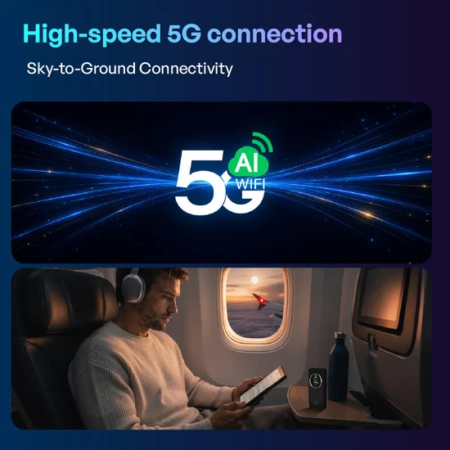
You switch on a hotspot, look at your laptop, and within a few seconds the internet is ready. It feels simple, but several things are happening in the background to make that connection possible. A 5g mobile hotspot is essentially a small bridge between a cellular network and the devices around you. It receives mobile data through a cellular connection and then shares that connection over WiFi. Once you understand that basic idea, it becomes much easier to understand why some hotspots perform better than others and where portable WiFi fits into the picture. For travelers, remote workers, students, and anyone who needs the internet away from fixed broadband, knowing the basics can also help you avoid common connectivity problems.
The Journey From Cellular Tower to Your Screen
Think about opening a website while connected to a hotspot. Your request starts with your phone, laptop, or tablet. Instead of going directly through a home router, the request travels wirelessly to the hotspot. The hotspot communicates with a nearby cellular network. That network then sends the requested information back to the hotspot, which passes it to your connected device through WiFi.
In simple terms, the path looks something like this:
Your device → hotspot → cellular network → internet → hotspot → your device
The process happens extremely quickly, which is why the connection can feel similar to ordinary WiFi.
So, How Does Portable WiFi Work?
If you have ever wondered how portable wifi works, the answer is surprisingly straightforward. A portable WiFi device contains wireless hardware that allows it to connect to a mobile network while simultaneously creating a local WiFi network. Your devices connect to this private network just as they would connect to WiFi at home.
The key difference is where the internet connection originates. A home router normally receives internet service through a fixed broadband connection. A portable unit relies on a cellular network instead. Depending on the service, the device may use a physical SIM, an eSIM, or another method for accessing mobile networks. The exact setup varies between products and providers.
Why 5G Can Feel Noticeably Different
The appeal of 5G is not simply that it has a newer name. When you are in an area with suitable 5G coverage, compatible equipment can potentially provide faster data transfer and lower latency than older cellular technologies. That can make everyday activities feel more responsive. For example, downloading a large presentation may take less time. A video call can feel smoother when the network is stable. Cloud applications may respond more quickly.
Still, the word “5G” should not be treated as a guarantee of a particular speed. Real-world performance changes according to location, network congestion, signal conditions, the frequency being used, and the service provider. A hotspot sitting in an excellent coverage area may perform very differently from the same device used inside a building with weak reception.
One Connection Can Serve Several Devices
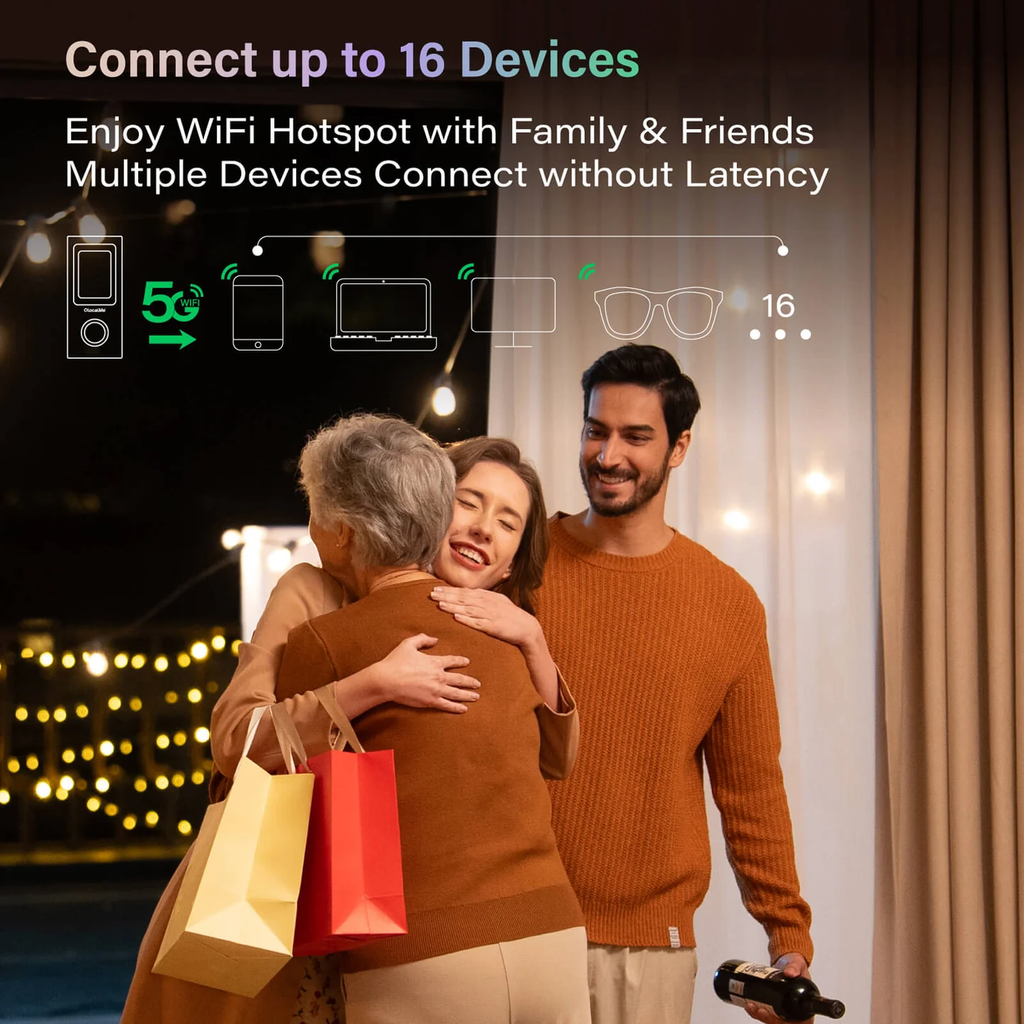
One of the practical benefits of a hotspot is that you do not have to establish a separate cellular connection for every device. Imagine working from a hotel with a laptop and tablet while your phone remains connected as well. Instead of buying separate data arrangements for each device, you can connect them to the hotspot’s WiFi network.
This can be especially useful for families traveling together. A single device may allow several people to get online, although the supported number of connections depends on the particular hotspot. There is one thing to remember: multiple devices share the available connection. If one person starts downloading a very large file while another is on a video call, everyone may notice a change in performance.
What Determines Your Actual Speed?
Maximum advertised speed is only one piece of the puzzle. Your real experience can be influenced by several factors:
- Network coverage: A strong cellular signal generally gives the hotspot better conditions for maintaining a connection.
- Congestion: Many people using the same cellular network in a busy location can affect performance.
- Distance from the hotspot: WiFi performance can decrease as you move farther away from the device, particularly when walls or other obstacles are involved.
- Connected devices: More active devices can place greater demand on the available bandwidth.
- Data plan: Some services may apply limits, restrictions, or different speeds depending on the plan.
This is why two people using similar hardware can have completely different experiences.
Portable WiFi Is More Than a Backup
Portable WiFi is sometimes viewed as something you carry only when regular internet fails. In reality, it can be part of a normal connectivity setup for people who move around frequently. A traveler might use it while waiting at an airport. A freelancer could take it to a park or temporary workspace. Someone staying in short-term accommodation may use it instead of relying on questionable public WiFi. Services such as GlocalMe can be considered when looking for portable connectivity options, particularly when flexibility across destinations is an important part of the decision.
What About Battery Life?
Because a portable hotspot is a wireless electronic device, it needs power. Battery life becomes particularly important when you spend an entire day away from a wall outlet. Heavy activity, multiple connected devices, and weak cellular signals can all contribute to greater power consumption. Understanding how does portable wifi work can also help you see why these factors affect battery life and overall hotspot performance.
For longer trips, carrying a power bank is a sensible precaution. It is also worth developing the habit of switching the hotspot off when you are finished using it rather than leaving it active inside your bag. Small habits like this can make a noticeable difference during a long day of travel.
Security Still Matters
Using your own hotspot can be preferable to connecting to an unknown public WiFi network, especially when handling work documents or personal accounts. However, personal connectivity does not eliminate the need for basic security. Use a strong WiFi password, keep the hotspot firmware updated when updates are available, and avoid giving your network credentials to people you do not trust. You should also remember that the security of the hotspot is only one part of the picture. The devices connected to it should have their own security protections in place.
Final Thoughts
A hotspot may look like a small box that simply “gives you WiFi,” but its job is more interesting than that. It receives data through a cellular network, creates a local wireless connection, and distributes the internet connection to nearby devices. A 5g mobile hotspot can be particularly useful when high-speed cellular coverage is available, while portable WiFi can offer a convenient way to stay connected when you are moving between locations. Once you understand how the connection works, choosing equipment becomes less about marketing claims and more about practical needs: coverage, battery life, data allowances, device support, and where you plan to use it.
FAQs
1. Does a hotspot need a WiFi connection to provide internet?
No. A cellular hotspot normally receives internet access through a mobile network and then creates a WiFi network for nearby devices.
2. Does 5G work everywhere?
No. 5G availability depends on the local network infrastructure, your provider, the device being used, and the specific location.
3. Can I connect a laptop to portable WiFi?
Yes. A laptop can generally connect to a portable WiFi device in the same way it connects to another wireless network, provided the device supports WiFi connections.
4. Why does my hotspot become slower when several devices are connected?
Connected devices share the available bandwidth. If several devices are actively streaming, downloading, or uploading at the same time, the connection may feel slower.
5. Is portable WiFi safer than public WiFi?
A personal hotspot gives you more control over who can access the connection, but it is not automatically risk-free. Strong passwords, updated software, and normal online security practices are still important.


